
ACADEMY FOR CREATIVE CONCEPTING
Digital Skills
The Digital Techniques module focuses on developing fundamental digital visualization skills. The emphasis is on practical application of Adobe Creative Cloud, with hands-on training in Photoshop, Illustrator, and Canva. Participants learn to work more efficiently with essential tools to transform their creative ideas into visually powerful and professional digital designs.
This module offers the opportunity to acquire immediately applicable skills that help you present your concepts more strongly, both internally and externally. Whether it’s for presentations, marketing materials, or visual communication, the goal is to use digital visuals to convey your message more clearly and convincingly.
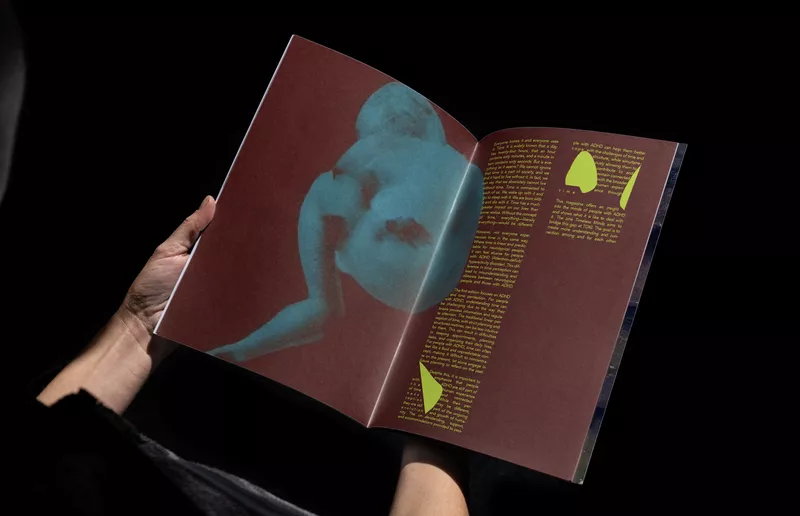
All visuals were created by Artemis students.
What you’ll learn
Basic functions of Photoshop, Illustrator and Canva
Graphic creation
Image Integration and Layout
Editing and Image Manipulation
Shape and develop your designs
Module structure
Theme 1
Introduction
In the first week, you will be introduced to Adobe Creative Cloud and Photoshop. You'll explore the platform's key applications, discover the possibilities of digital image editing, and become familiar with the Photoshop interface and workflow.
Through guided exercises, you'll learn how to navigate the software and work with the most commonly used tools and techniques. To conclude the week, you'll complete a creative assignment in which you edit, manipulate and transform existing imagery, exploring the creative potential of Photoshop as a tool for visual storytelling and concept development.
Expert
Joske Vink
Time investment
9 hours (approximately 6 hours of self-study)

Theme 2
Working with Layers
This week focuses on one of Photoshop’s most essential features: working with layers. You will learn how to crop and frame images, isolate visual elements, and combine multiple photographs into a single composition.
Through a creative assignment, you'll work with three self-selected images from your own professional or creative context. Using layers, masks and composition techniques, you will create a visual collage that explores storytelling through image, colour and layout. Along the way, you'll gain a deeper understanding of how visual elements can be combined to create meaning, atmosphere and impact.
Expert
Joske Vink
Time investment
9 hours (approximately 6 hours of self-study)

Theme 3
Advanced Photoshop Techniques
In week three, you'll explore more advanced Photoshop techniques, including masking, transformations, perspective adjustments and shadow creation. You will learn how to integrate graphic elements into your compositions and transform imagery with greater precision and control.
For the creative assignment, you will design a landing page or webpage concept related to your own professional or creative context. Using a combination of imagery, typography and layout principles, you'll focus on creating a cohesive visual identity and a consistent user experience.
Expert
Joske Vink
Time investment
9 hours (approximately 6 hours of self-study)

Theme 4
From Design to Production
Building on the skills developed in week three, this module focuses on refining and preparing your visuals for professional digital use. You'll learn how to work non-destructively using adjustment layers, smart objects and advanced editing techniques.
Through colour correction, lighting adjustments and subtle retouching, you'll enhance the quality and consistency of your imagery. You'll also learn how to optimise and export files for digital platforms, considering dimensions, formats and file size. These skills will be applied to your existing webpage concept, resulting in a polished and professional final design.
Expert
Joske Vink
Time investment
9 hours (approximately 6 hours of self-study)

Theme 5
Next Step Illustrator
This week marks your introduction to Adobe Illustrator and the fundamentals of vector-based design. You'll explore the software's key applications and learn how Illustrator is used across branding, visual communication and graphic design.
Through hands-on exercises, you'll work with essential tools and techniques, including the Pen Tool, Shape Tool and Selection Tools. By the end of the week, you'll understand how to create and manipulate paths, lines and shapes, providing the foundation needed to develop scalable illustrations, graphics and visual identities.
Expert
Marvin Bruin
Time investment
9 hours (approximately 6 hours of self-study)

Theme 6
Creating Vector Graphics
This week, you'll take your Illustrator skills further by exploring the creation and refinement of vector graphics. You'll work with tools such as the Knife and Scissors tools and learn how to create and manipulate lines, colours, gradients, layers and object hierarchies.
Through practical exercises, you'll gain a deeper technical understanding of how logos, icons and graphic assets are constructed. By the end of the week, you'll have greater confidence in creating clean, scalable vector designs for a variety of creative applications.
Expert
Marvin Bruin
Time investment
9 hours (approximately 6 hours of self-study)
Thema 7
Illustrator in Practice
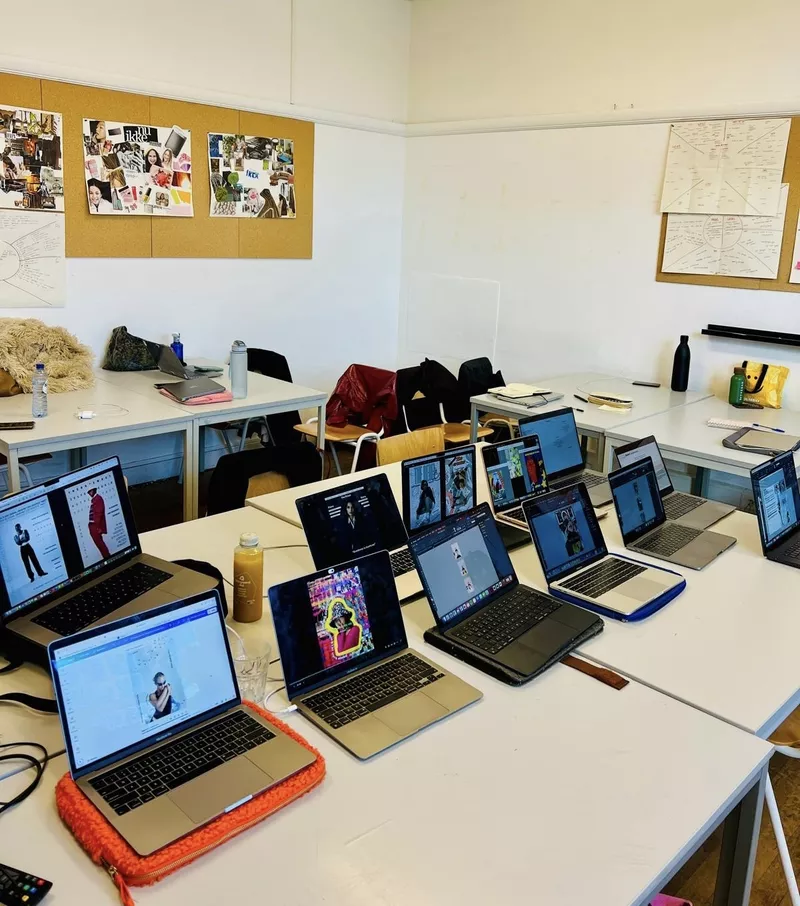
In this module, you'll expand your Illustrator toolkit by working with features such as Shape Builder, Pathfinder and advanced typography tools. You'll also learn how to vectorise images and explore the possibilities of AI-powered design tools within contemporary creative workflows.
Throughout the session, there will be space to address questions and challenges from your own professional or creative practice. By the end of the week, you'll have developed a strong understanding of how designers use Illustrator to create visual identities, graphics and communication materials.
Theme 8
From tools to design
In the final week, you'll move beyond individual tools and focus on building a complete design. You'll learn how to work with colour systems, styles, layers and professional file structures to create organised and efficient design workflows.
Using your own sketch, concept or idea as a starting point, you'll develop a first digital design proposal and bring together the skills you've acquired throughout the module. By the end of the course, you'll have created a cohesive mini-project that demonstrates both your technical abilities and your creative development.
Expert
Joske Vink & Marvin Bruin
Time investment
9 hours (approximately 6 hours of self-study)
Digital Skills is a 8-week module and includes a one-year Adobe Creative Cloud license.

This course is designed for beginners who want to develop their digital skills.

Certificate: Digital Skills


Tuesday evening from 6:30 PM – 9:30 PM

Total: 72 hours, including 24 contact hours and approximately 48 hours of independent study and project work.


Dutch

Module includes a 1-year Adobe Creative Cloud subscription

It is not possible to add modules that start on the same day
Checkout
Our tutors
The experts that bring creativity to life
Meet the experts behind our modules—the creative minds who make a difference together. Their unique blend of vision and craftsmanship gives you the power to realize your ambitions and take a step forward with every challenge.


Joske Vink
PPO FUNDING FOR CREATIVE PROFESSIONALS
Werktuig PPO is a Dutch government-funded initiative that supports and finances the professional development of people working in the creative and cultural sectors. The programme is designed to help you develop new skills, adapt to industry changes and seize new opportunities throughout your career.
Whether you are employed by a creative or cultural organisation or work as a freelancer in the arts, heritage, media or creative industries, you may be eligible to apply for funding.
Learn more about the programme and eligibility requirements here.
Combine modules that contribute to your own success.